Search for “TikTok For You APK” and you will find dozens of sites offering a special app that unlocks the For You page. Here is the honest answer before you download anything: there is no separate For You app.
For You is the main feed inside the normal TikTok app. This guide shows you exactly what the TikTok For You APK is, where to get it safely, what the file actually contains, and how the For You algorithm decides which videos reach you — using TikTok’s own published explanation, not guesswork.
What This Guide Covers
- What is the TikTok For You page?
- Is there a separate ForYou app?
- TikTok For You APK file details and download
- How to install the APK on Android
- How the For You algorithm picks your videos
- 7 ways to get on the For You page
- How to reset your For You feed
- Is the TikTok APK safe to download?
- Frequently asked questions
What Is the TikTok For You Page?
The For You page — most people just call it the FYP — is the screen that opens the moment you launch TikTok. It is an endless feed of short videos chosen for you personally, and almost none of them come from accounts you follow.
That is the whole point. Instagram and Facebook mostly show you people you already know. TikTok shows you what it thinks you will watch, whoever made it. A creator with 40 followers can land on the same feed as one with 4 million.
So when someone searches for a “For You APK”, what they usually want is one of two things: the TikTok app itself, or a way to get their own videos onto other people’s For You pages. This guide covers both.
Is There a Separate “ForYou” App?
There was one. A third-party Android app called ForYou – TikTok (package name com.foryou.app) promised to show your video views and push your clips onto the For You page. It was never made by TikTok or ByteDance and had no official connection to them.
Check it today and its Google Play listing returns a 404 error — the app is gone from the Play Store. The only copies still floating around sit on small mirror sites that repackage files with no signature checking. Skip it. An abandoned app from an unverified mirror is exactly how phones pick up adware, and it cannot do anything the official app does not already do better.
The same goes for the whole category of “get free followers” and “FYP trick” apps. They ask for your TikTok login, they cannot actually influence the algorithm, and handing your credentials to a random app is how accounts get stolen.
TikTok For You APK: File Details
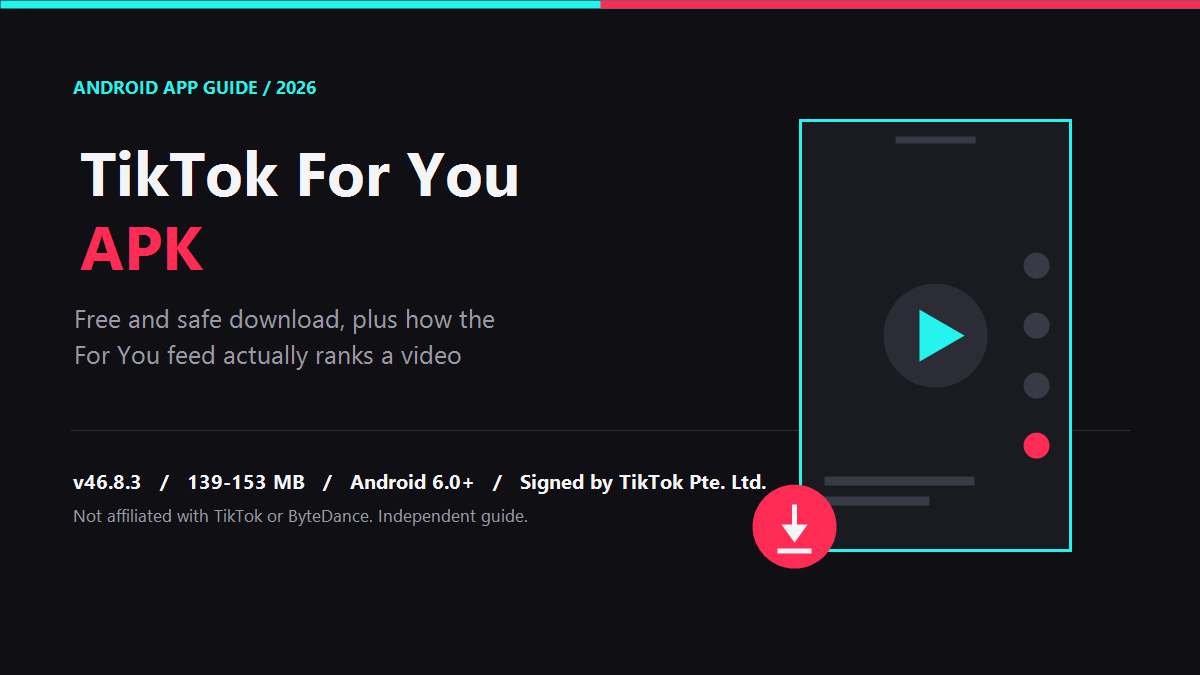
This is the real file — the official TikTok app, signed by its developer. Everything below was checked in September 2026.
| Detail | Value |
|---|---|
| App name | TikTok |
| Developer | TikTok Pte. Ltd. |
| Package name | com.zhiliaoapp.musically |
| Latest version | 46.8.3 (released 6 September 2026) |
| APK size | 139–153 MB depending on your device variant |
| Requires | Android 6.0 or higher |
| Play Store rating | 4.3 stars from 69.8 million reviews |
| Downloads | 1 billion+ |
| Age rating | 12+ |
| Price | Free, with ads and in-app purchases |
One thing worth knowing before you tap: the APK comes in several variants built for different processors and screen sizes. Pick the one matching your phone, or use the Play Store version, which handles that automatically.
⬇ Download TikTok For You APK (v46.8.3)
Verified safe to install · signed by TikTok Pte. Ltd. · free
That link goes to APKMirror, which checks every upload against the developer’s own signing certificate before publishing it. If you would rather skip APK files entirely, install it from the Google Play listing instead — same app, updated automatically.
How to Install the TikTok APK on Android
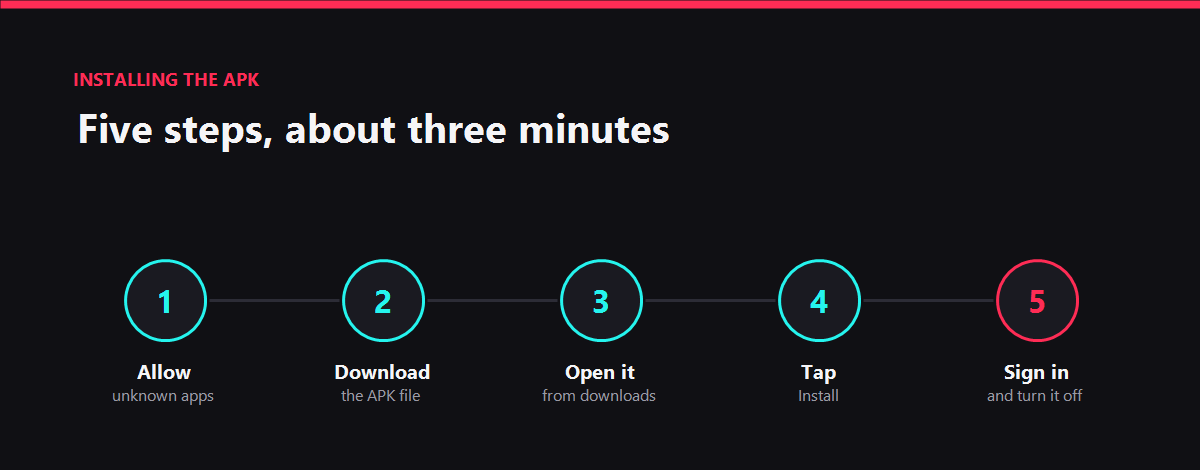
- Allow installs from your browser. Go to Settings → Apps → Special app access → Install unknown apps, pick your browser, and turn the permission on.
- Download the file using the button above. It takes a few minutes on mobile data.
- Open the file from your notification bar or the Downloads folder.
- Tap Install and wait. If you already have TikTok installed, the new file must be a newer version or Android will block it.
- Open TikTok and sign in. Your account, followers and drafts are all stored on TikTok’s servers, so nothing is lost.
Turn that “unknown apps” permission back off afterwards. It is the single setting that stops a stray download from installing itself later.
How the For You Algorithm Picks Your Videos
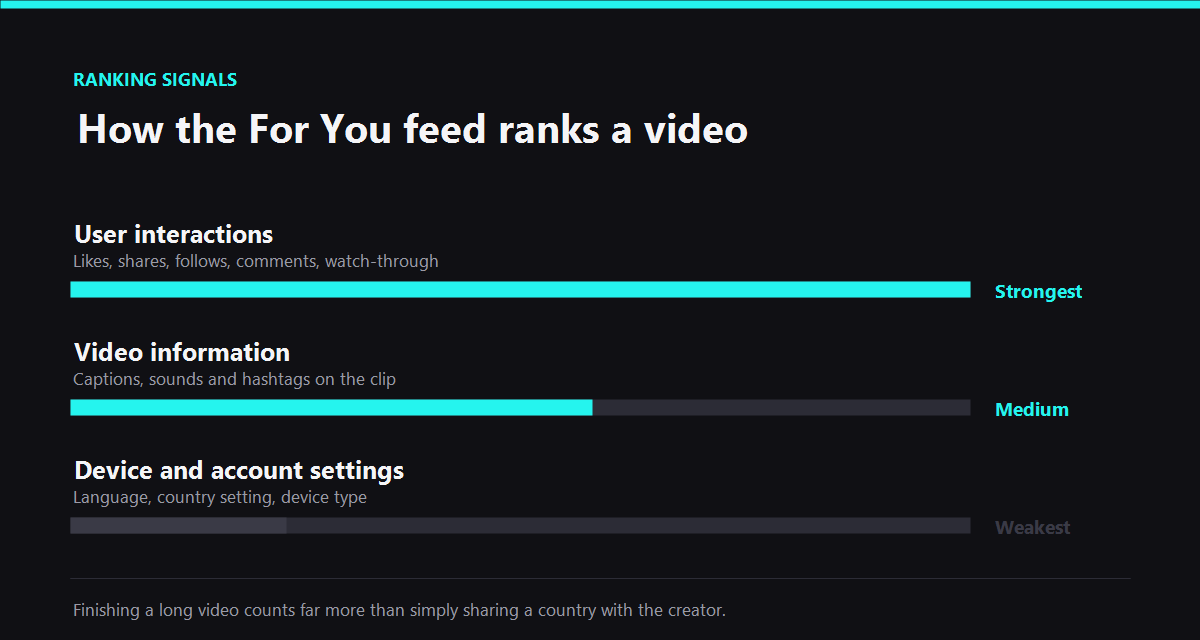
TikTok has published how this works, so there is no need to guess. The recommendation system ranks videos using three groups of signals.
| Signal group | What it includes | Weight |
|---|---|---|
| User interactions | Videos you like or share, accounts you follow, comments you post, content you create | Strongest |
| Video information | Captions, sounds and hashtags on the video itself | Medium |
| Device and account settings | Language preference, country setting, device type | Weakest |
The weighting matters more than the list. In TikTok’s own words, a strong signal — such as finishing a longer video from beginning to end — counts for far more than a weak one, like the viewer and creator being in the same country. You can read the full explanation on TikTok’s newsroom post about the For You feed.
Notice what is missing from that list: follower count. A video from a brand-new account and a video from a huge one enter the same ranking process. That is why TikTok still produces overnight breakout creators when other platforms do not.
7 Ways to Get on the For You Page
- Win the first two seconds. Watch-through rate is the strongest signal there is. If people scroll past your opening frame, nothing else you do matters.
- Keep videos short at first. A 15-second video that gets finished beats a 60-second one that gets abandoned halfway.
- Write a caption that asks something. Comments are a direct interaction signal, and a question is the cheapest way to earn them.
- Use sounds that are already moving. Sound is listed as video information the system reads. Tap any trending sound to see how many videos are using it.
- Post 3–5 times a week, not once. More entries mean more chances at the ranking process. Consistency beats perfection here.
- Reply to comments with a video. It creates a second post from the same idea and pulls the original back into circulation.
- Match the platform, not your other accounts. Reposting a landscape YouTube clip performs badly. If you are running several profiles, these social media marketing tips for beginners cover how to adapt one idea per platform instead of copying it.
What will not work: buying followers, engagement-pod apps, or anything promising guaranteed FYP placement. Those signals are not real interactions, and the system is built to ignore them.
How to Reset Your For You Feed
If your feed has drifted somewhere you no longer want — too much of one topic, or content you stopped caring about months ago — TikTok has a built-in reset.
Open TikTok, tap Profile, tap the Menu button, then go to Settings and privacy → Content preferences → Refresh your For You feed and confirm.
TikTok clears the interest signals it has built up about you. For a day or two you will see broadly popular content while the system relearns, and whatever you watch, skip and search in that window shapes the new feed strongly.
Two things to know: it cannot be undone, and it does not touch your account, followers, drafts, posted videos, Following feed or inbox. Only the recommendation profile is cleared.
Is the TikTok APK Safe to Download?
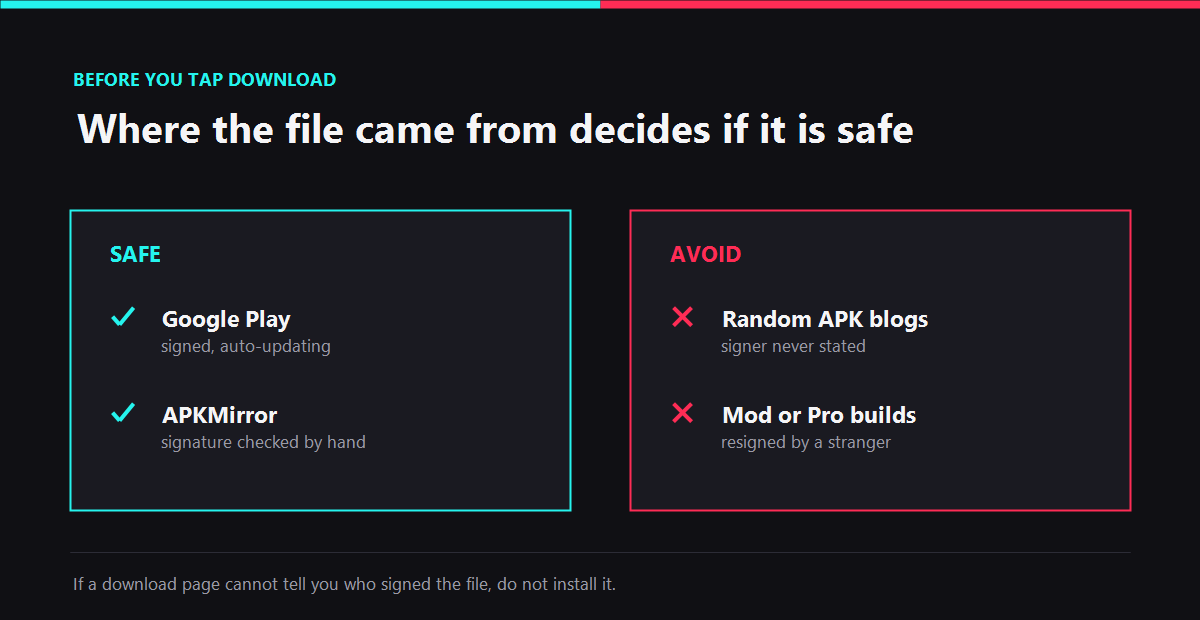
An APK is safe or unsafe depending entirely on where it came from. The file itself is just an installer.
| Source | Signed by TikTok? | Auto-updates | Verdict |
|---|---|---|---|
| Google Play | Yes | Yes | Safest option |
| APKMirror | Yes, signature checked | No, manual | Safe |
| Random APK blogs | Usually not stated | No | Avoid |
| “Mod” or “Pro” versions | No, resigned by a stranger | No | Never install |
The rule is simple: if the download page cannot tell you who signed the file, do not install it. Modified builds advertising no ads, no watermark or unlimited followers have had their original signature stripped and replaced, which means someone else’s code is now inside the app that holds your login.
Frequently Asked Questions
Is there a TikTok For You APK that is different from the normal TikTok app?
No. For You is a feed inside the standard TikTok app, so the TikTok For You APK and the TikTok APK are the same file.
Is downloading the TikTok APK legal?
Yes, as long as it is the unmodified official build. Installing an app from an APK is a normal Android feature.
Will installing the APK log me out or delete my videos?
No. Your account, followers and drafts live on TikTok’s servers, not in the app file.
Why is TikTok not on the Play Store in my country?
Availability changes by region. When the listing is missing, a signature-verified APK is the usual workaround.
Do FYP booster apps actually work?
No. They cannot send real interaction signals, which is the only thing the ranking system responds to.
More From This Site
- Best social media platforms for business promotion
- Why SEO matters for every business
- How to create a marketing plan that actually works
Final Thoughts
The TikTok For You APK is not a secret build and there is no shortcut app that unlocks the feed. There is the official TikTok file, signed by its developer, and there is everything else — which is where the risk lives.
Install the real one, then spend your effort on the part that genuinely moves the algorithm: the first two seconds of your video. That single thing outranks every trick app ever advertised.